Skip to content

MAINSTREAM MUSIC,
INSIDE FINAL CUT PRO

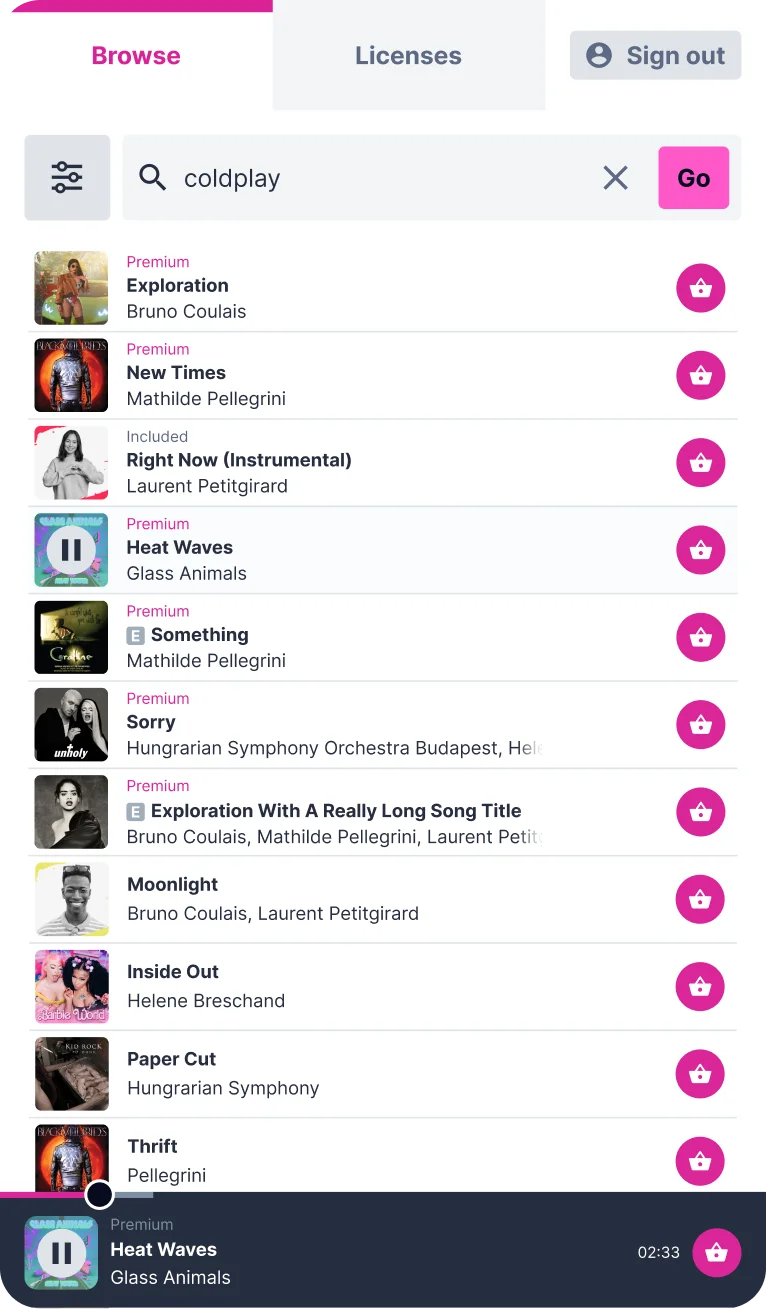
The Lickd plugin for Final Cut Pro puts our full catalogue of claims-managed mainstream music inside your editor, so you can find the right song without leaving your timeline.

Requires desktop (macOS)

NO MORE
TAB SWITCHING

Our full catalogue of 1.4+ million tracks,
searched from inside your editing suite

Instead of jumping between browser tabs, find hits from Warner, Universal and BMG, preview them on your timeline and add them to your project, all from one panel.


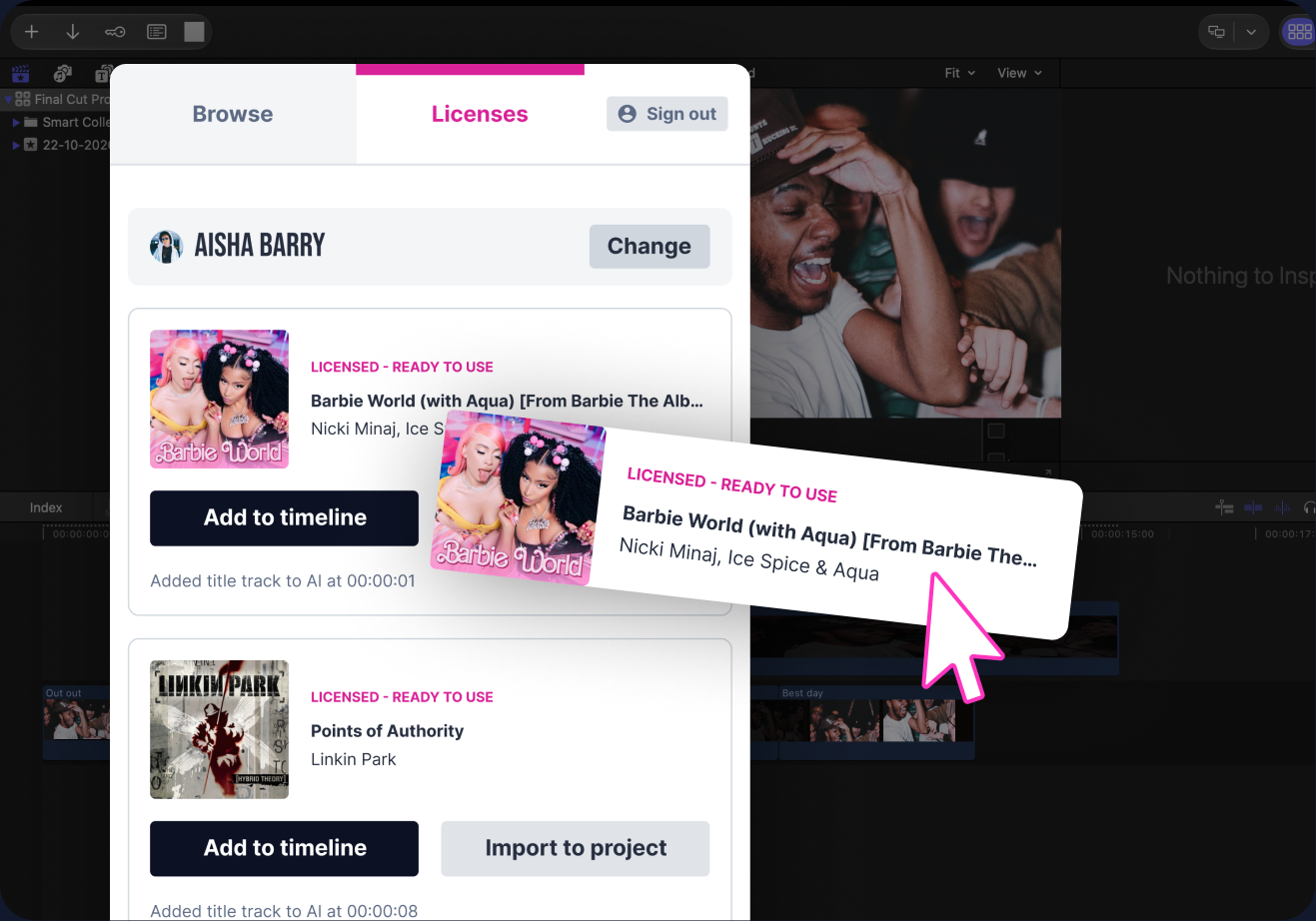
Licensing a track with the Lickd plugin in Final Cut Pro

LICENSE TRACKS IN
A FEW CLICKS

Pick a track, license it, then keep editing

Because every track is claims-managed and YouTube-ready, you can publish with confidence and keep your ad revenue.

How to install the Final Cut Pro plugin

Download from App Store button

1. Download

Click “Download from App Store” to open the Lickd plugin page on the Mac App Store.

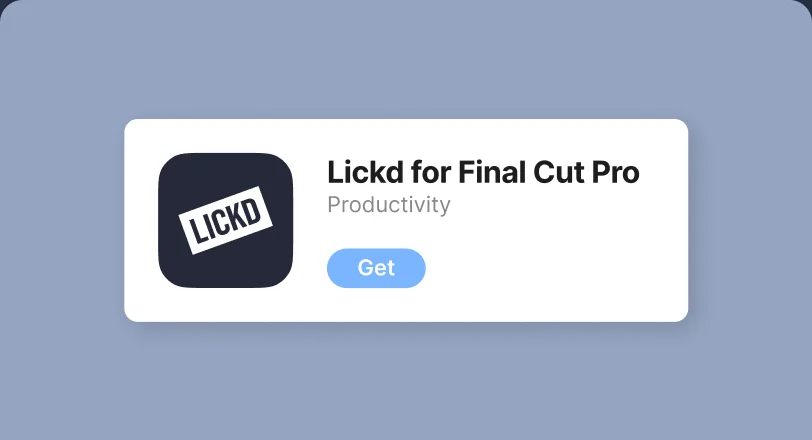
Lickd for Final Cut Pro on the App Store with the Get button

2. Install

Next, click “Get” to install the plugin and follow the on-screen instructions.

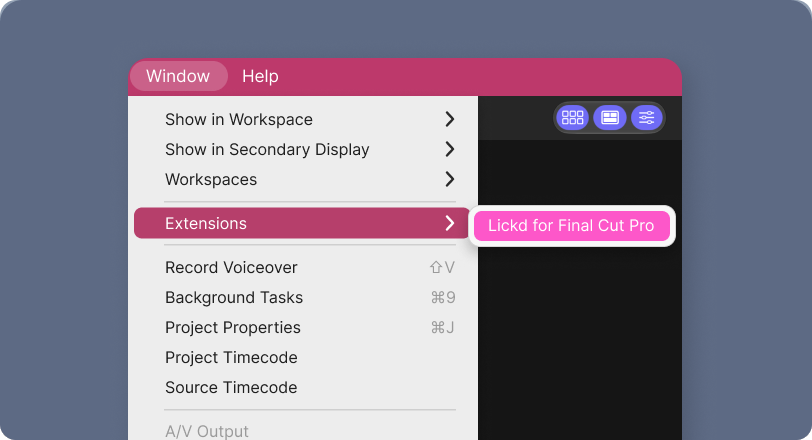
Window, Extensions, Lickd for Final Cut Pro menu in Final Cut Pro

3. Launch

Then, launch Final Cut Pro and go to Window > Extensions > Lickd. Finally, sign in to see your licences and favourites.

Frequently asked questions

  • Do I need a Lickd subscription to use the plugin?

    No, you just need a free Lickd account. Once you’re signed in, you can search and preview the full catalogue. Then, when you’re ready to add tracks to a video, you can use track credits from a subscription plan or buy them individually.

  • Will I get copyright claims if I use music from the Final Cut Pro plugin?

    Every track you get through the plugin comes with protection from copyright claims. So if a claim does appear on your video, most are cleared automatically within 30 minutes, and our dedicated team clears the rest. That way, you can publish with confidence and keep your monetisation. Read more about how we clear claims.

  • Which versions of Final Cut Pro does the plugin support?

    The Lickd Final Cut Pro music plugin works with Final Cut Pro 10.4.4 and later on Mac. To get the best experience, we recommend keeping Final Cut Pro and macOS up to date through the Mac App Store.

  • How do I update the Final Cut Pro music plugin?

    Because the plugin comes from the Mac App Store, updates install automatically if you have automatic updates turned on. Otherwise, open the App Store, go to Updates and click “Update” next to Lickd for Final Cut Pro. Then restart Final Cut Pro to finish.